 Mac Classic PlayerMac Classic Player
Hand it a file and it plays. The controls come straight from Media Player Classic, and the window size and volume come back as you left them.
Free and open source. For Apple Silicon Macs.
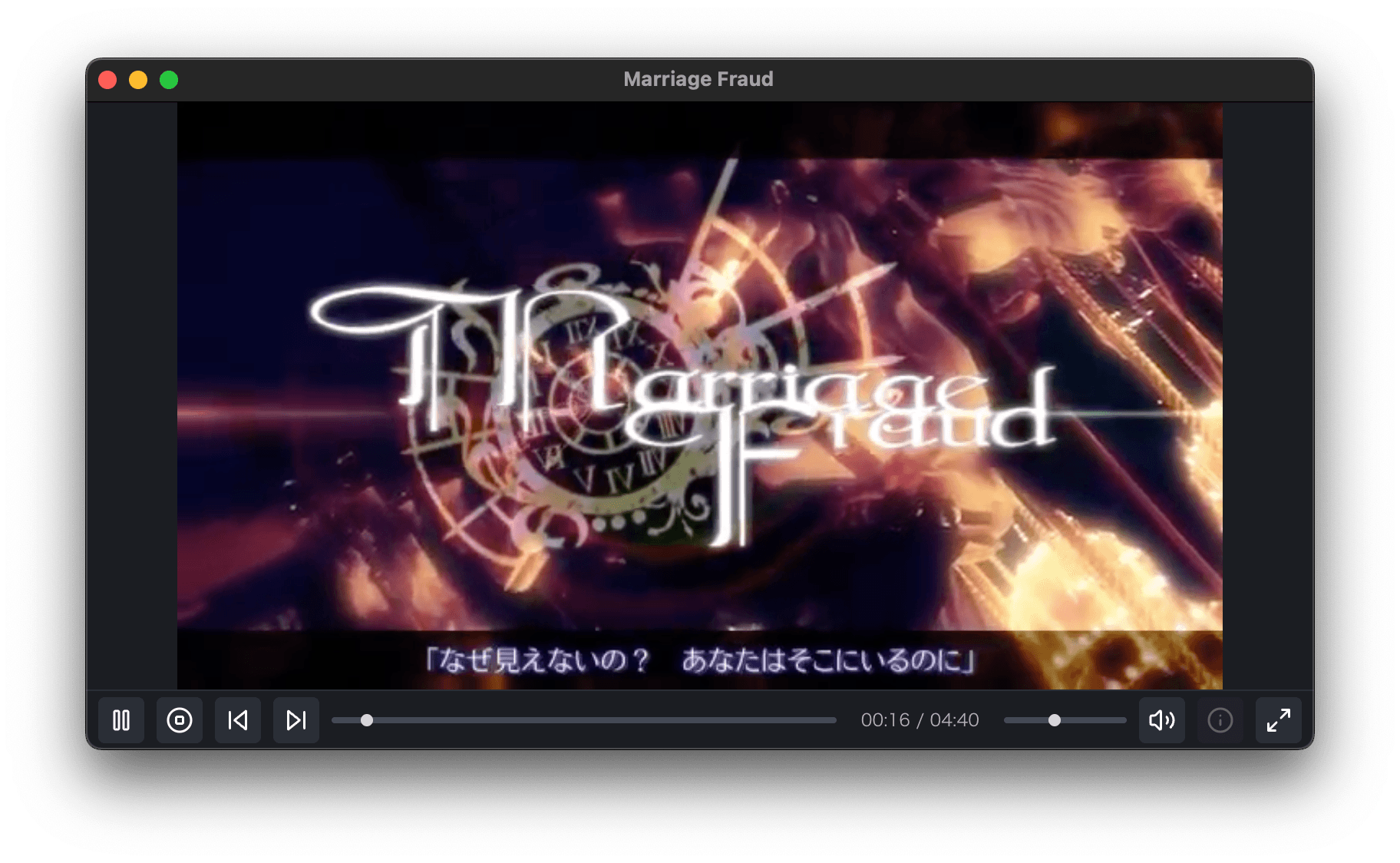
Play, stop, seek, volume, mute, fullscreen and the file list are all on the keyboard. Press ? at any time for the full list.
Drag a file onto the window, or press O to pick one. There is no library to import into and no menu to walk through first.
Volume and window size are written down when you quit and restored when you open the app again.
Plays .mov, .mp4 and .webm, and audio files like .mp3, .m4a and .wav. Press I to see the track's title, artist, album and year.
The same list is available inside the app with ?.
A lightweight media player for macOS
Download